From a blank page to a stack of exams in three steps
No templates to wrestle with and no copying and pasting between versions.
1Questions
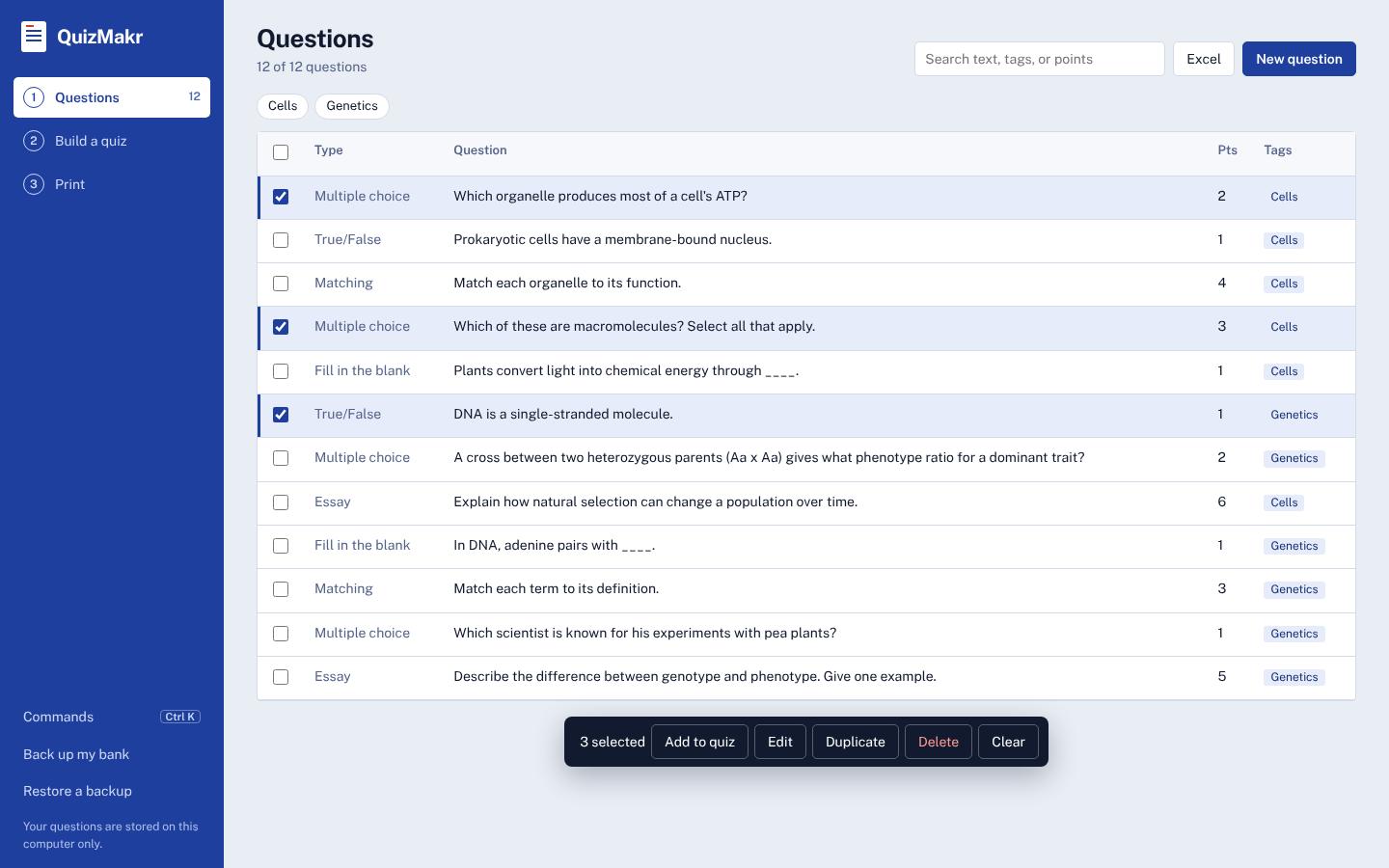
Write once, or bring your own
Type questions in or import a spreadsheet. Multiple choice (one or several correct), true/false, matching, fill in the blank, and essay. Tag them by unit, then search, filter and reuse them every term.
2Build a quiz
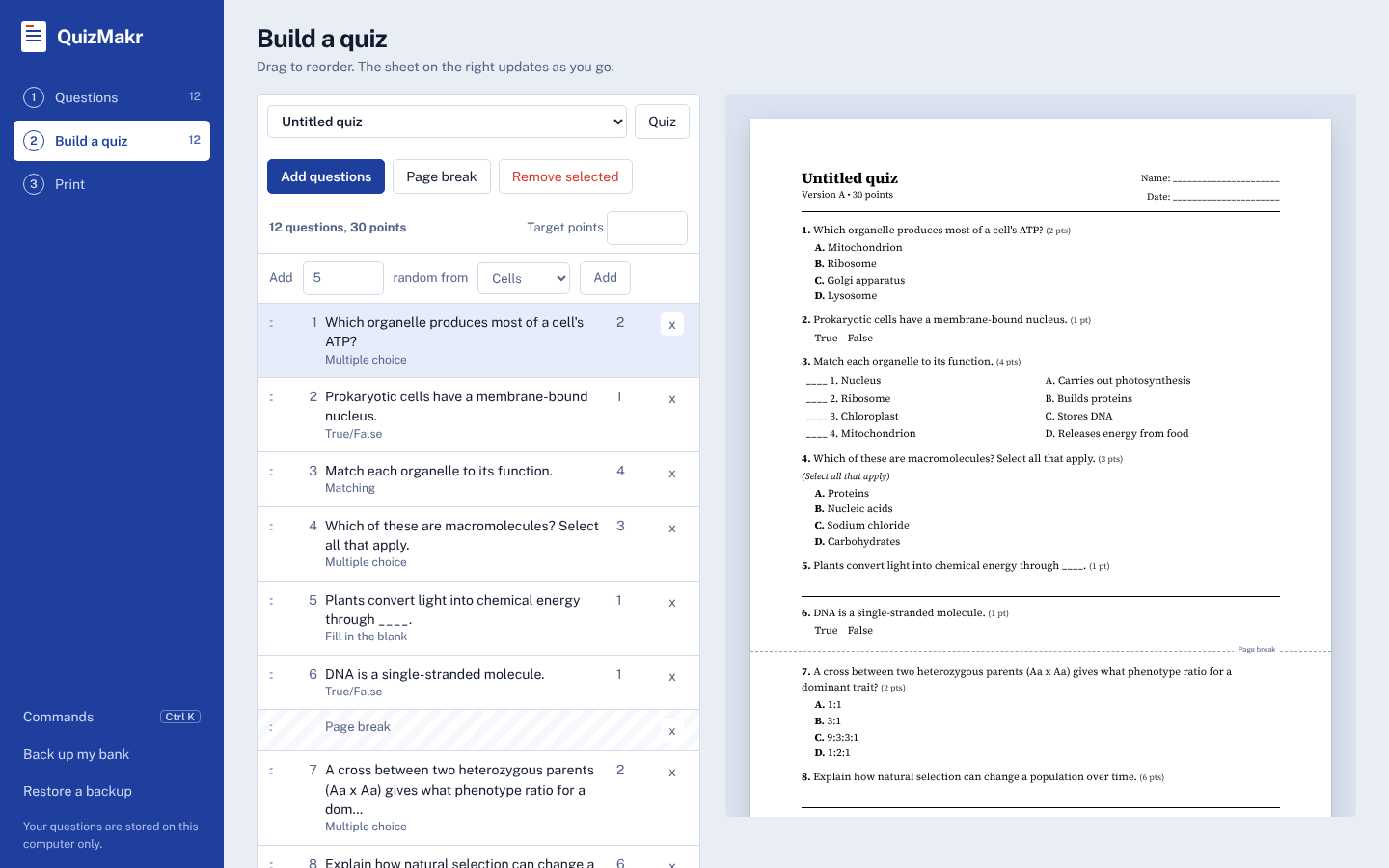
Drag, reorder, and watch the sheet
Add questions from your bank, drag them into order, add page breaks, and set point totals. The exam sheet on the right updates as you work, exactly as it will print.
3Print
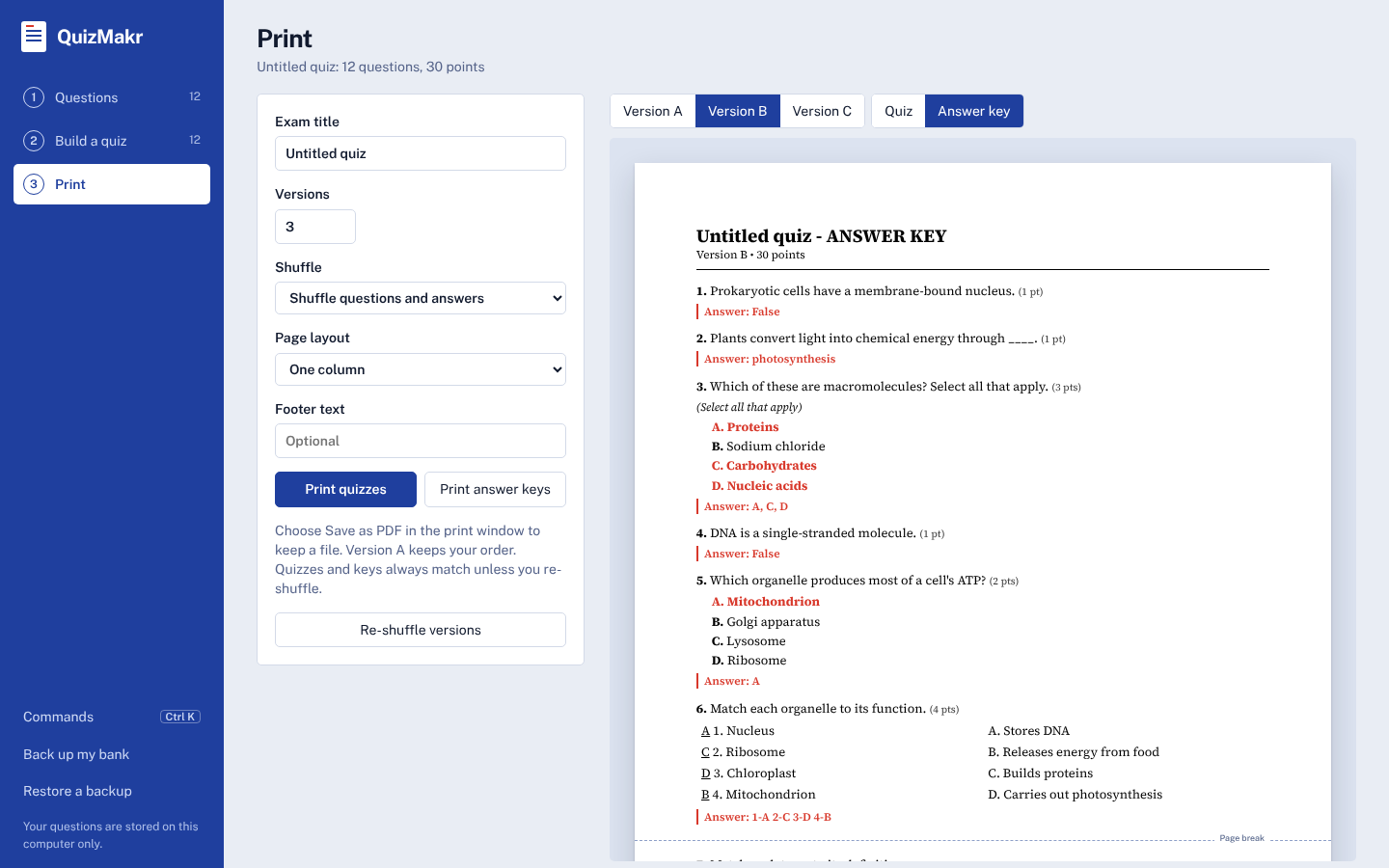
Every version, every key
Choose how many versions you need and how to shuffle. Preview each one, then print or save as PDF. Answer keys use the same shuffle, so they always match.